
Everything Olivi does for you
Six areas, more than 25 features, one philosophy: making your week's cooking simpler. Here's the full tour.
Olivi is available in English, French, Spanish, German, Italian and Dutch, on the web, iPhone, iPad and Android.
Try it free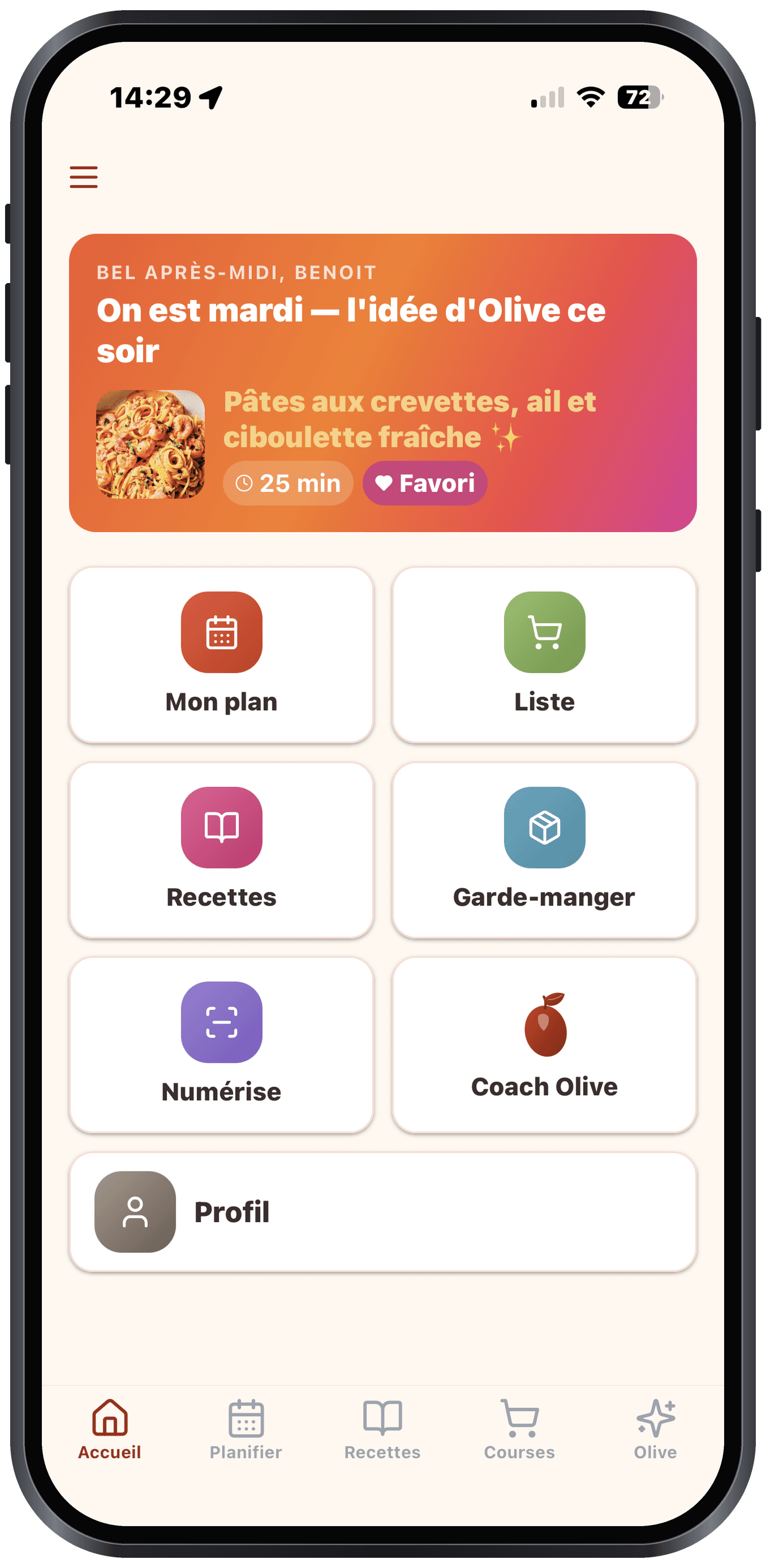
Weekly plan
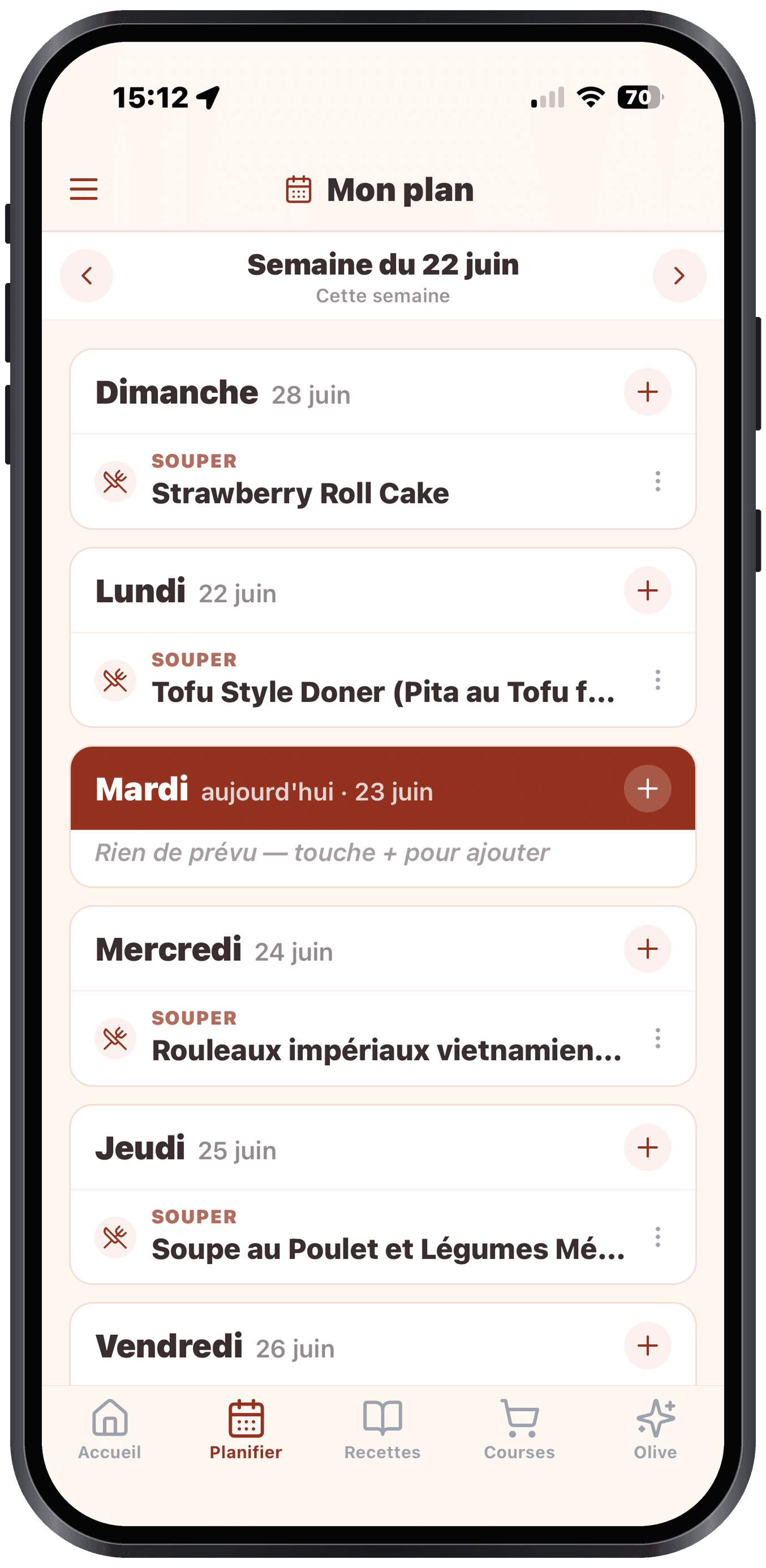
Olive generates your week in the time it takes to pour a coffee. You adapt, swap, regenerate: the plan stays coherent and the grocery list follows.
Full AI generation
Olive creates 7 meals tailored to your profile, your pantry and your equipment (BBQ, slow cooker, no oven…).
Batch cooking
Guided batch cooking: pick 3 to 6 recipes (or let Olive compose your session) and Olivi generates the timed run sheet — interleaved steps, consolidated mise en place, multiple timers. Batch-cooked portions go to your weekly plan or the freezer, which Olivi keeps inventoried.
Intuitive icon cards
Your 7 meals shown as colourful cards, tap to view, swap, regenerate.
Favourites first
Mark your favourite recipes. Olive slots them into your plans first.
Always focused on your day
Today's meal is front and centre as soon as you open the app. No more digging: what's for dinner tonight is on the front line.
Recipes
Import from anywhere, even a TikTok or YouTube video. Cook without touching the screen. Organize however you like.
Save a recipe from TikTok or YouTube
Paste a video link, or tap Share then Olivi in the TikTok or YouTube app. Olive reads the caption and, if needed, watches the video: the recipe card arrives in your language, with the photo and the creator’s name.
See the step-by-stepImport from URL
Paste a link from a recipe site or food blog. Olive reads, structures, saves.
Import from PDF
A recipe PDF? Import it and Olive extracts the structured content.
Photo of a dish
A photo taken at a restaurant, on social media or in a magazine. Olive identifies the dish and generates the recipe.
Scan your paper recipes
Cookbooks, magazines, handwritten family notebooks: photograph the page and Olive structures the recipe (it even reads cursive).
Full-screen cooking mode
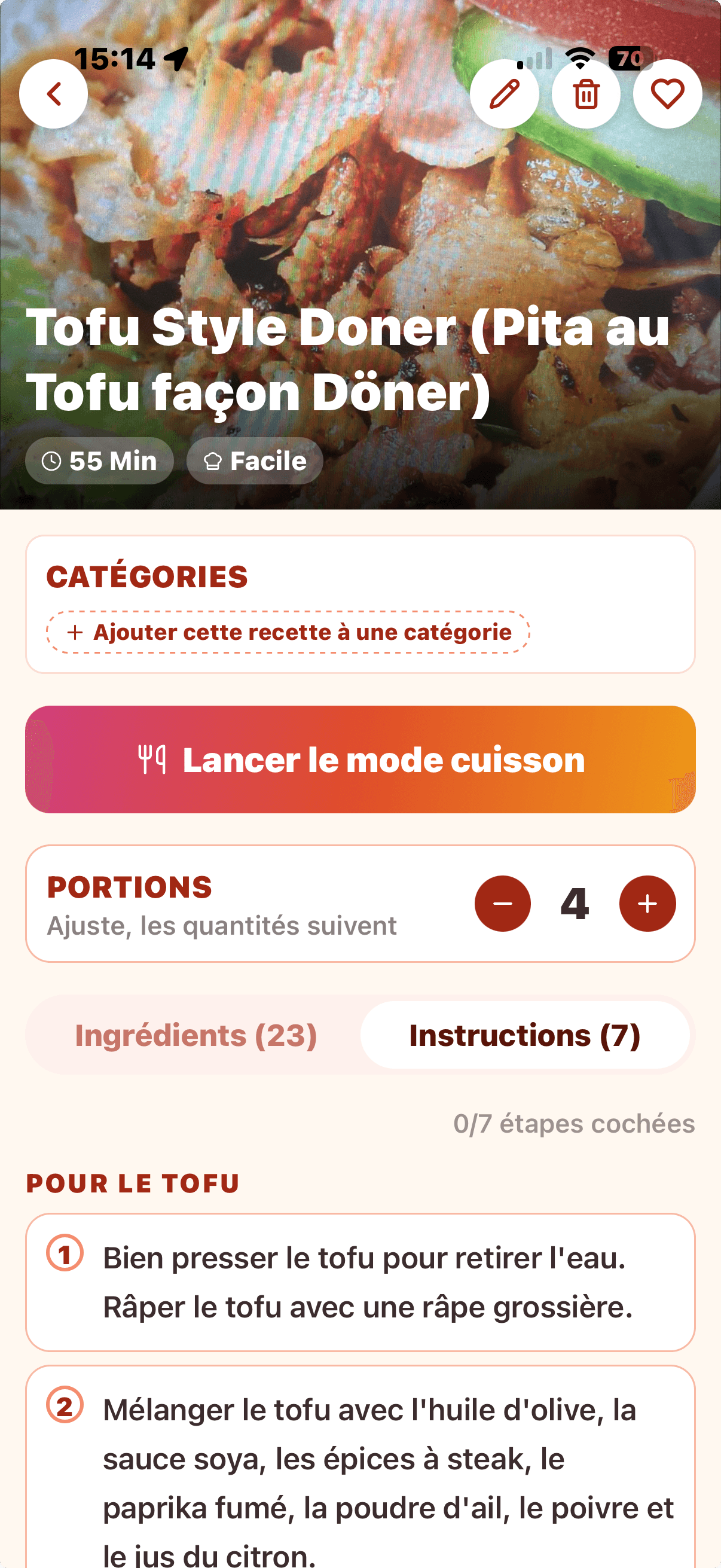
Checkable steps, screen stays on. On mobile: automatic voice read-aloud.
7 sort criteria + advanced filters
Recent, A→Z, total time, history, favourites, difficulty, random, plus max-time, diet and never-tried filters.
Nutrition facts per serving
Calories and macronutrients at the bottom of every recipe, calculated from Health Canada data (Canadian Nutrient File): never made up, for information only.
Grocery list
From plan to store without friction. Organized by aisle, shareable in real time, optimized for one hand.
Auto-generated from your plan
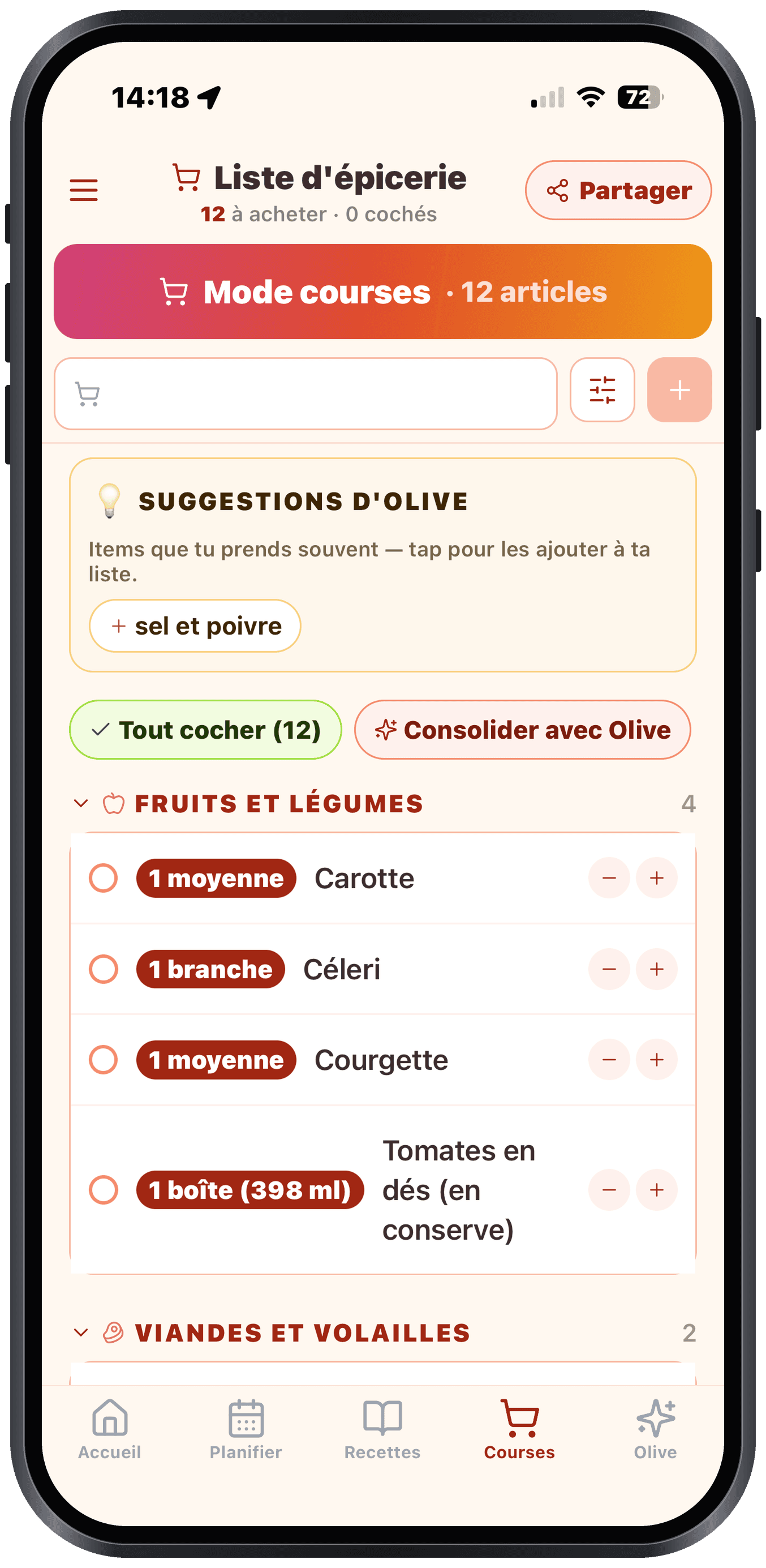
Every ingredient from your 7 recipes, grouped and categorized by aisle (a typical store route).
Full-screen shopping mode
In the store: big buttons, screen stays on, items grouped by aisle in route order.
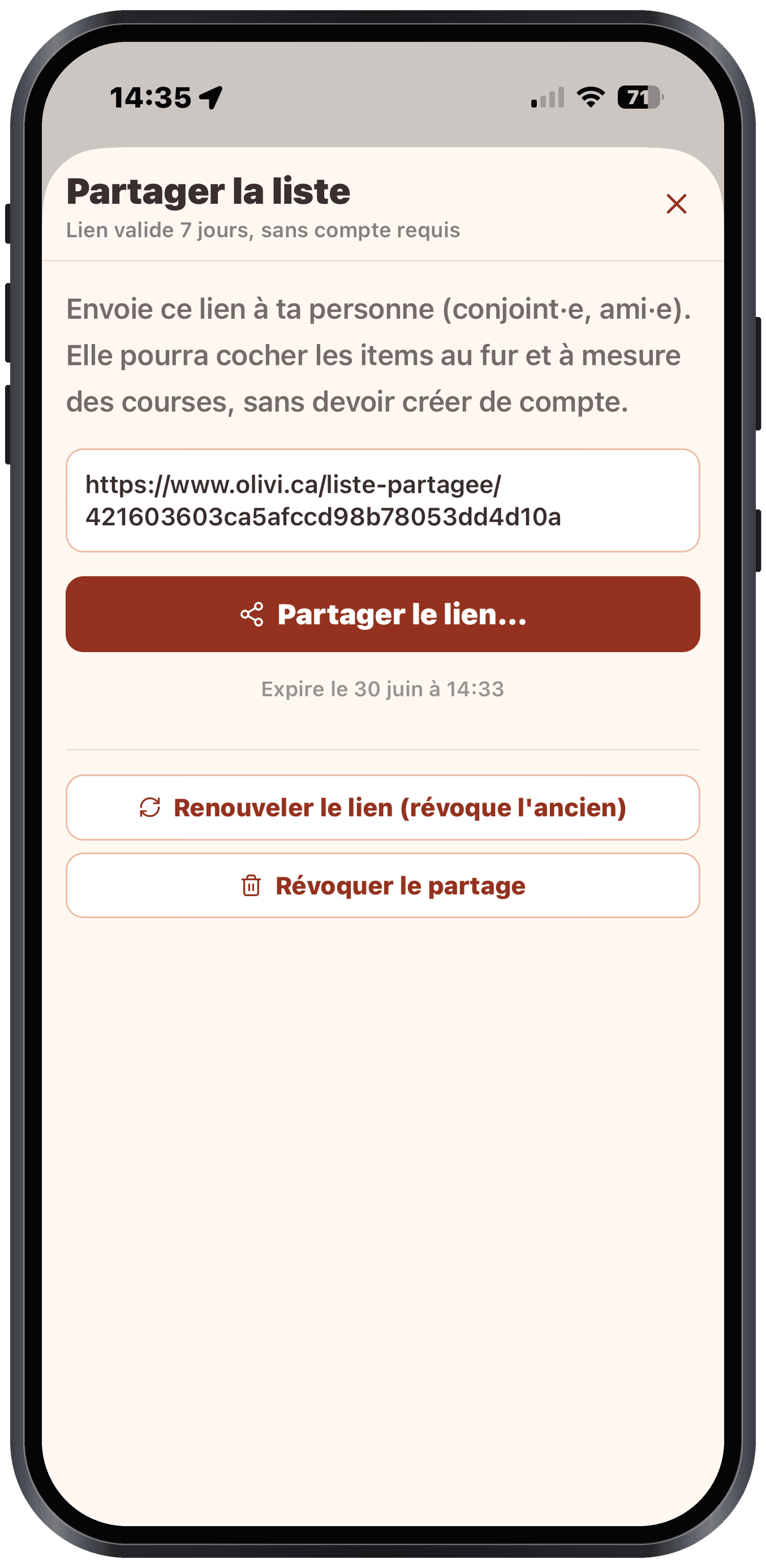
Real-time sharing
Send a link to your partner. You check off the same items in real time: no app needed.
Smart suggestions
Olive suggests the items you buy often, based on your grocery history.
Olive (AI chat)
Your AI sous-chef. Ask, listen, accept. Olive acts for you.
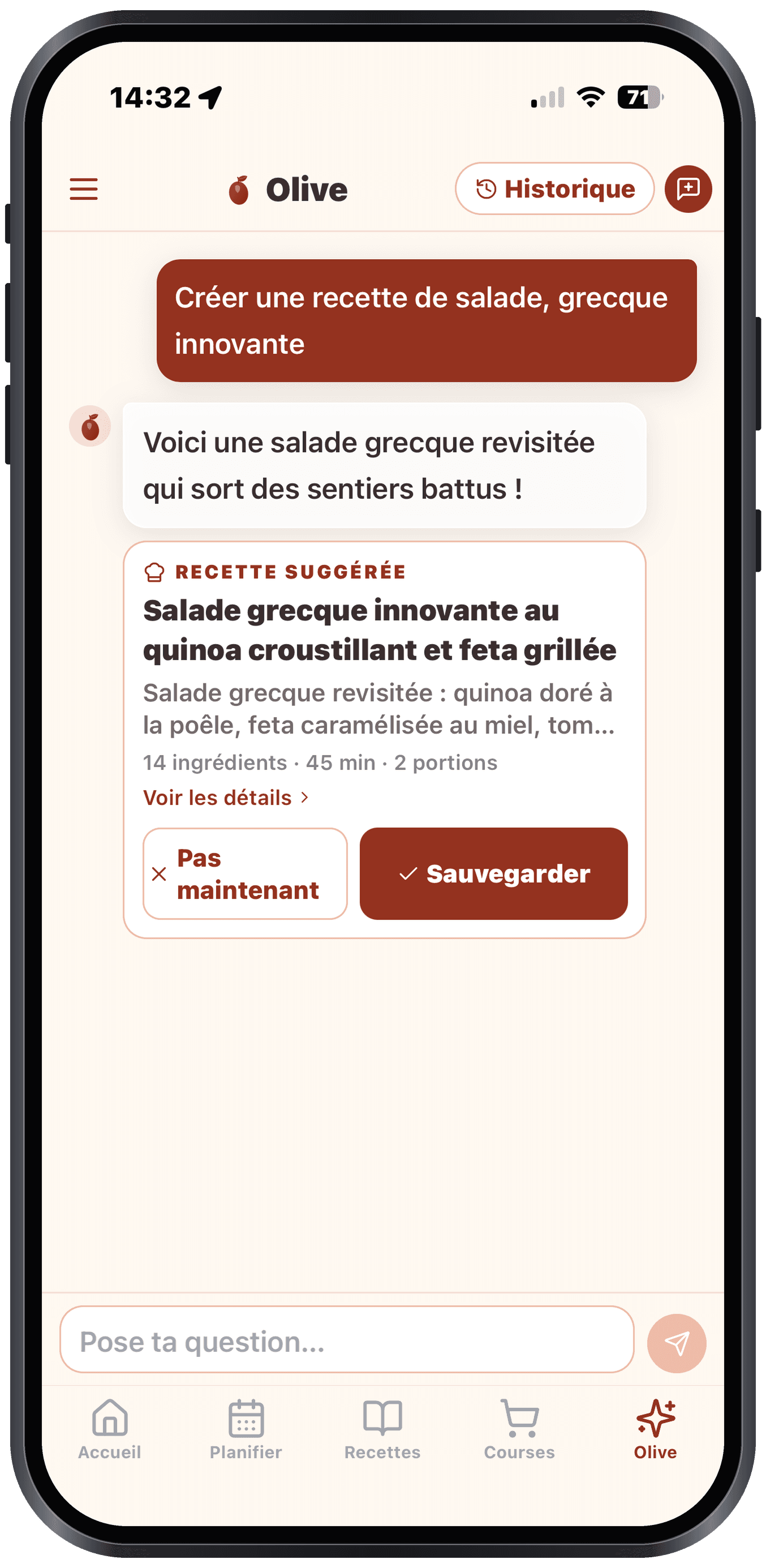
Actionable chat
Olive suggests concrete actions (add this recipe, generate my week, put these ingredients on my list). One click = done.
Fridge clean-out
List what you have left and Olive suggests recipes that actually use it. Less waste.
Lunch ideas
Olive suggests a lunchbox idea tailored to your tastes, perfect for using up the week's dinner leftovers.
Question suggestions
At the start of a new conversation, Olive offers 4-6 classic questions to get going.
Native mobile app
iOS (App Store) and Android (Google Play, in beta) apps. Synced with your web account. Optimized for use in the kitchen or at the store.
Basic offline mode
No signal? You still see your latest shopping list and your recipe catalogue. Auto-resumes when the signal returns.
Timers in the Dynamic Island
Any timed step can start a real iOS timer that follows you on the Lock Screen and in the Dynamic Island, even with the app closed.
Guided onboarding
A 4-step wizard on first launch to understand the app in under a minute.
Automatic sync everywhere
Your recipes, your weekly plan and your grocery list sync automatically between iPhone, Android and the web: start on one, continue on the other.
Account & security
Your data belongs to you. You protect it, you export it, you delete it: whenever you want.
Two-factor authentication (2FA)
Enable TOTP with your authenticator (Google, Authy, 1Password). Backup codes in case you lose your phone.
Data export
Download a complete ZIP: recipes, plans, lists, history, photos. Readable JSON format.
Permanent deletion
Delete your account and all associated data within 30 days. Law 25 (QC) and GDPR (EU) compliant.
Ready to end the “what's for dinner” headache?
Create your free account, fill in your profile in 2 minutes, and let Olive generate your first week.
Try it free