
The smart meal planner
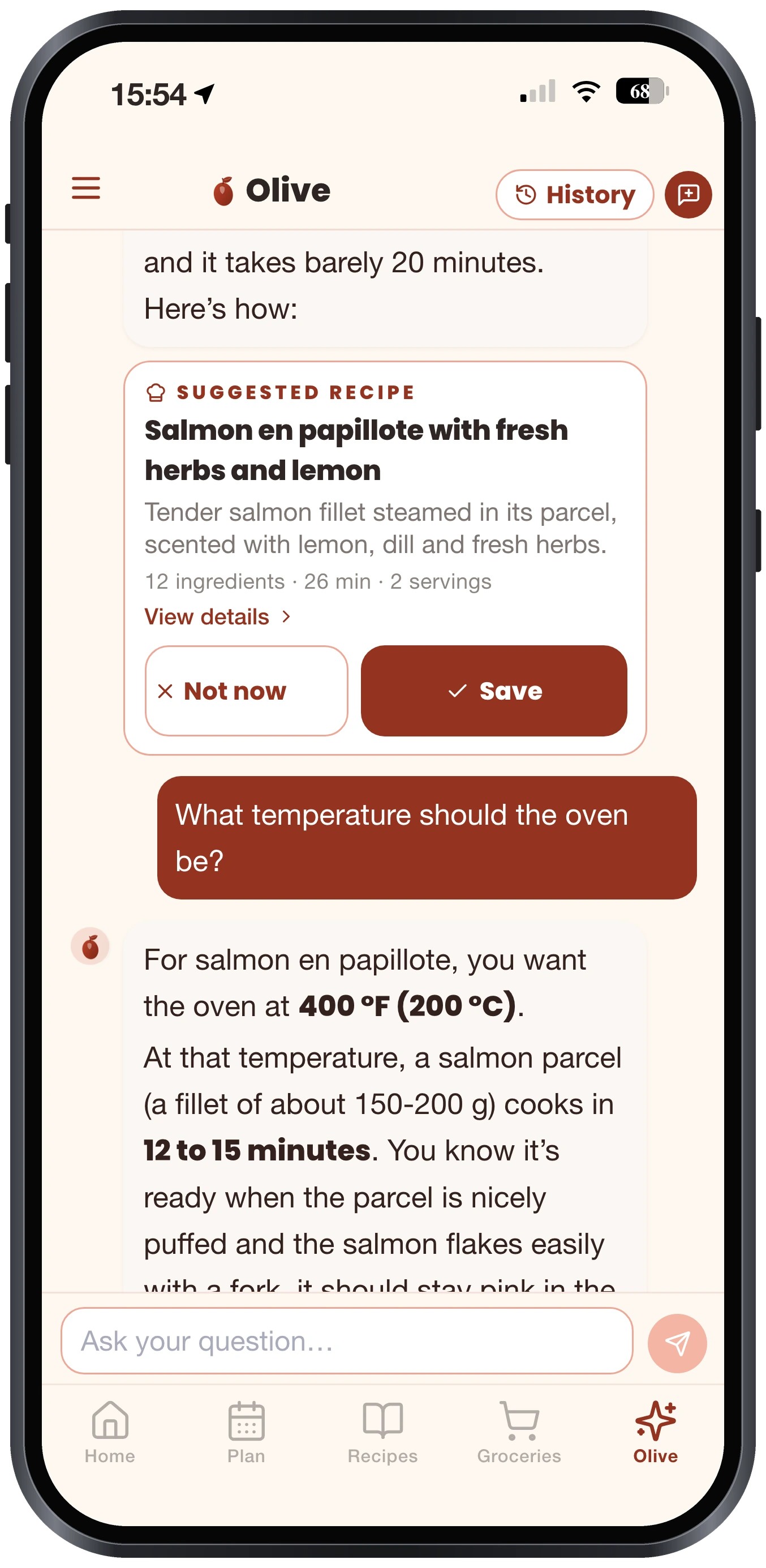
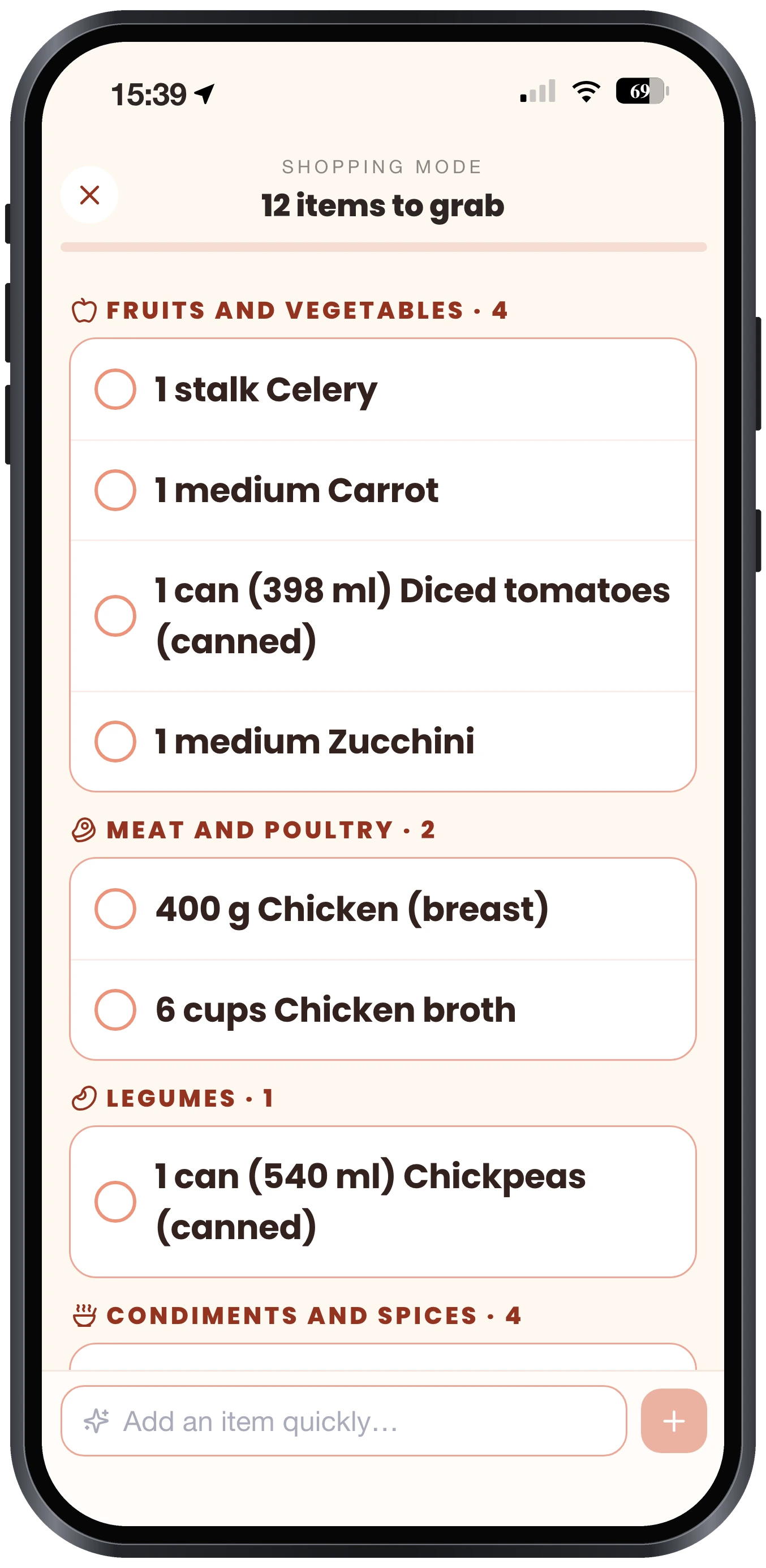
Olivi plans your week's meals in a single request and generates your grocery list automatically. Olive, your AI cooking assistant, adapts to your budget, your allergies and your cooking time.
How meal planning works
Olive learns your tastes
Diet, allergies, budget, tastes, just once. Olive remembers forever.
Your menu in a single request
A meal plan for the week, adapted to your cooking time and your budget.
You adjust in one tap
Not feeling a meal? Olive suggests another, without breaking your budget or your restrictions.
Why plan with Olivi?
- No more “what's for dinner tonight?”
- Automatic grocery list, sorted by aisle
- Pantry taken into account to avoid waste
- Real-time sharing with your partner
- Recipes adapted to your diet and allergies
- On iPhone, Android and the web
Also discover our recipes and the automatic grocery list.
Frequently asked questions
What is a meal planner?
+
A meal planner is a tool that organizes your week's meals in advance and derives your grocery list from them. Olivi does it automatically thanks to Olive, its AI assistant, factoring in your budget, your allergies and your cooking time.
Is the meal planner free?
+
For your first 7 days, yes: you get all of Olivi, no credit card. After that, meal planning is part of the Essential plan, at CA$7.99/month, taxes included. The plans you made during your first 7 days stay viewable on the free plan, along with up to 50 recipes and your grocery list with no limits.
Is the planner adapted to local products?
+
Yes: recipes adapted to local products, measurements in cups and grams, and a coach. Olive: who knows local cooking as well as world cuisine.
Can I use the planner on my phone?
+
Yes, the iPhone and Android app is included, and everything syncs with the web version.