
No more texting "Don't forget the milk." Share your list and you both see the same items in real time.
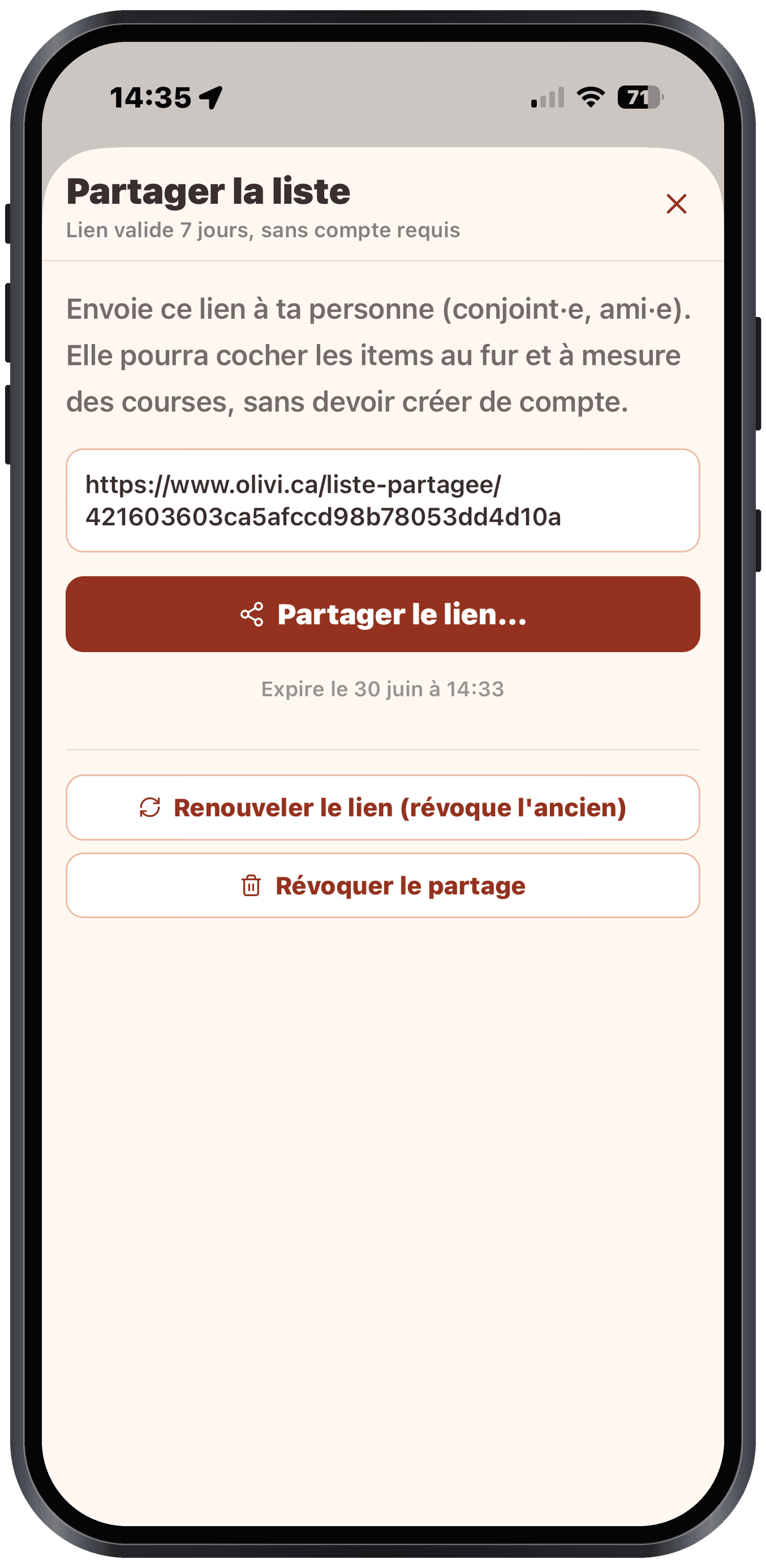
Create a share link
- On the Grocery list screen, tap the share icon (top right)
- Generate a link: you can choose an expiry (24h, 7 days, never)
- Send the link by text, email, etc.
On the recipient's side
- No need to have an Olivi account
- The link opens a web view of the list, organized by aisle
- Checking / unchecking is synced in real time on your side too
- No app to install
Good to know
The recipient can't add or delete items: only check them off. If you want them to edit, share access to your account instead.
Revoke a share
On the share screen, you can revoke an active link at any time. The recipient loses access immediately.