
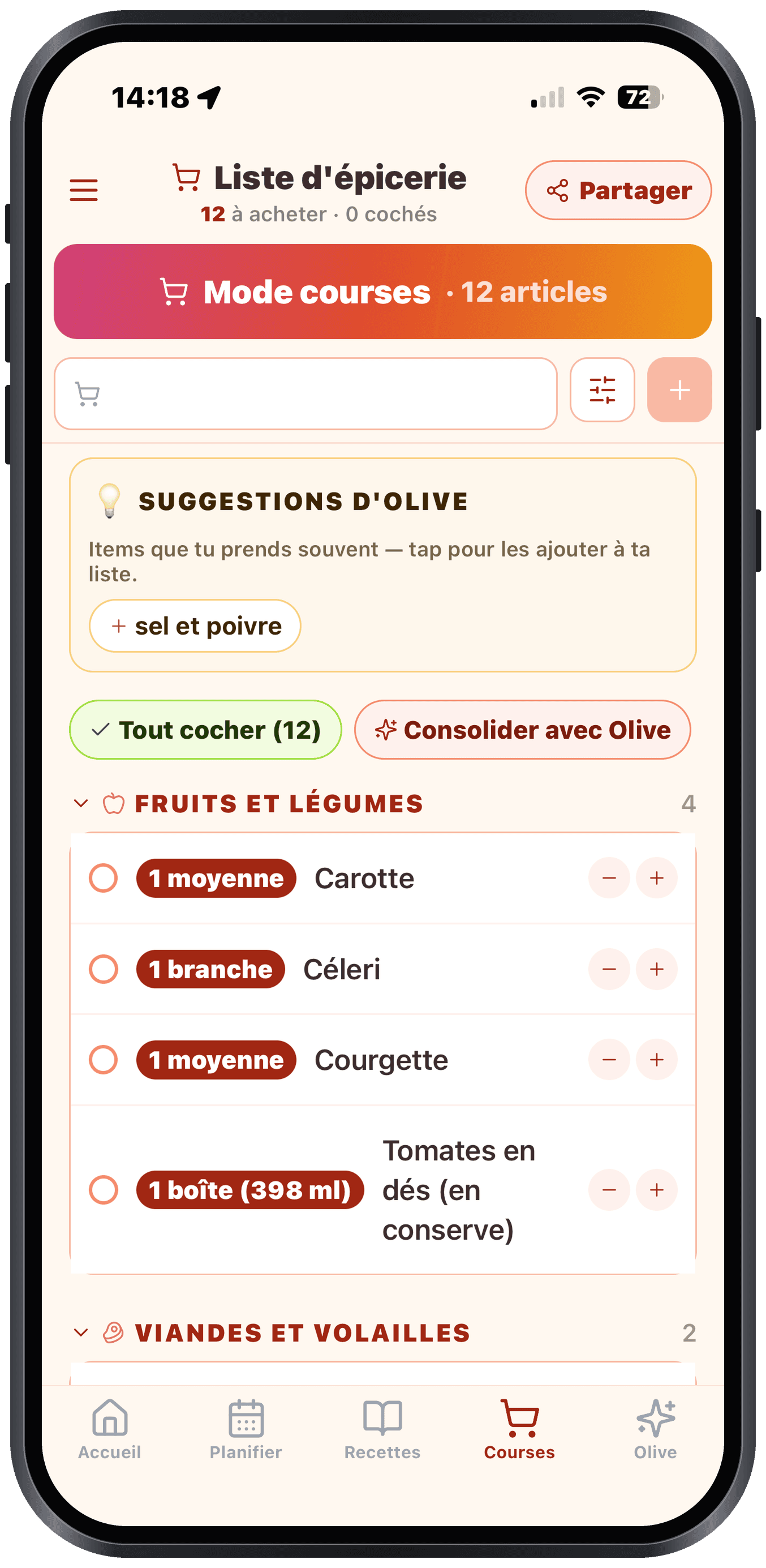
Where items come from
Your list fills up automatically from:
- Your week plan: all the ingredients of the planned recipes
- Your manual additions: what you type into the top bar
- Photo of a dish: that screen can also add to the list
- An open recipe: the "Add to my list" button with ingredient selection
Organized by aisle
Items are grouped by aisle in the walking order of a typical grocery store: produce, meats, fish, dairy, bakery, frozen… all the way to snacks, personal care, household products, pet and pharmacy at the end. You follow the list top to bottom and walk in a straight line. So the list covers your whole grocery run, not just your recipe ingredients.
Add by hand
Type in the top bar. Olivi suggests:
- Common products (with their aisle): over 2,000 everyday products, including store brands (Compliments, Selection, No Name…)
- Items you've already added to previous lists (personalized autocomplete)
Search is accent-tolerant: typing "boeuf" finds "Bœuf haché", "cafe" finds "Café", and so on.
Can't find your product in the suggestions? No problem: type whatever you want, then tap the first line "➕ Add "…"" (or press + / the Enter key). Your item is added as-is and automatically filed under the right aisle. You're never forced to pick a suggestion.
Hide the checked items
Checked items are hidden by default to keep you focused. Toggle "Show checked" at the bottom to see them again, or delete them in bulk.